Copy and paste from a notes app.
Open your notes or Notion, find it, paste it, rewrite it. Every single time.
Meet your AI sidekick!!
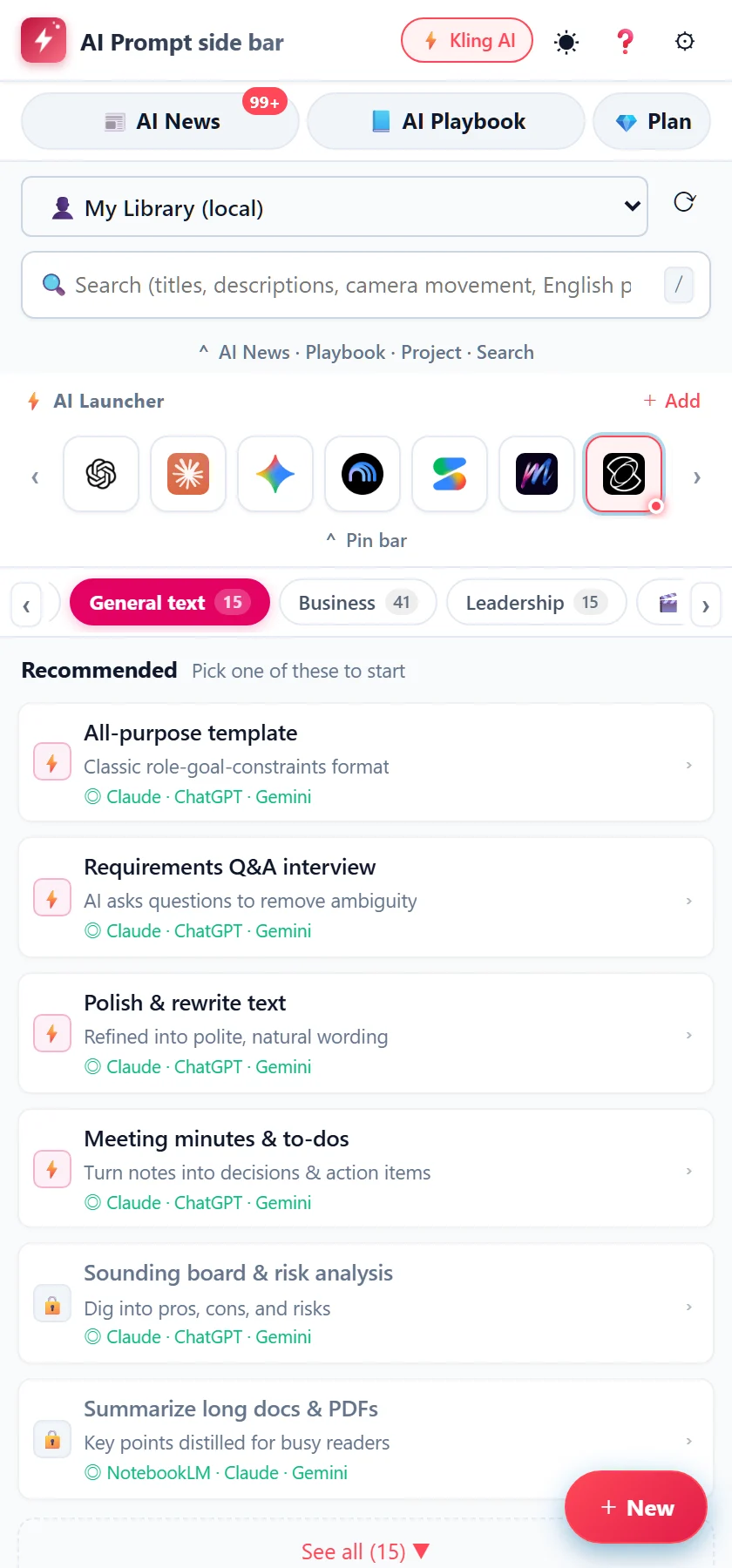
Prepare prompts as easily as picking a command.
A side panel that sits next to ChatGPT, Claude, Gemini and your image and video AI.
Works with the AI you already use
Works with ChatGPT, Claude, Gemini, NotebookLM, AI Studio, Perplexity, Kling, Runway, Luma, Hailuo, Pika, PixVerse, Sora, Higgsfield, Midjourney, Leonardo, Ideogram, Recraft, Tripo, v0, Bolt and Lovable.
Sound familiar?
Open your notes or Notion, find it, paste it, rewrite it. Every single time.
Directions for video and image AI mean camera moves, lighting, lenses… so many choices to make.
The prompts you use most are the ones you can't find when you need them. By then, the spark is gone.
All of it, inside one side panel.
How it works
Just three steps. It feels like picking a command, and your prompt comes together.
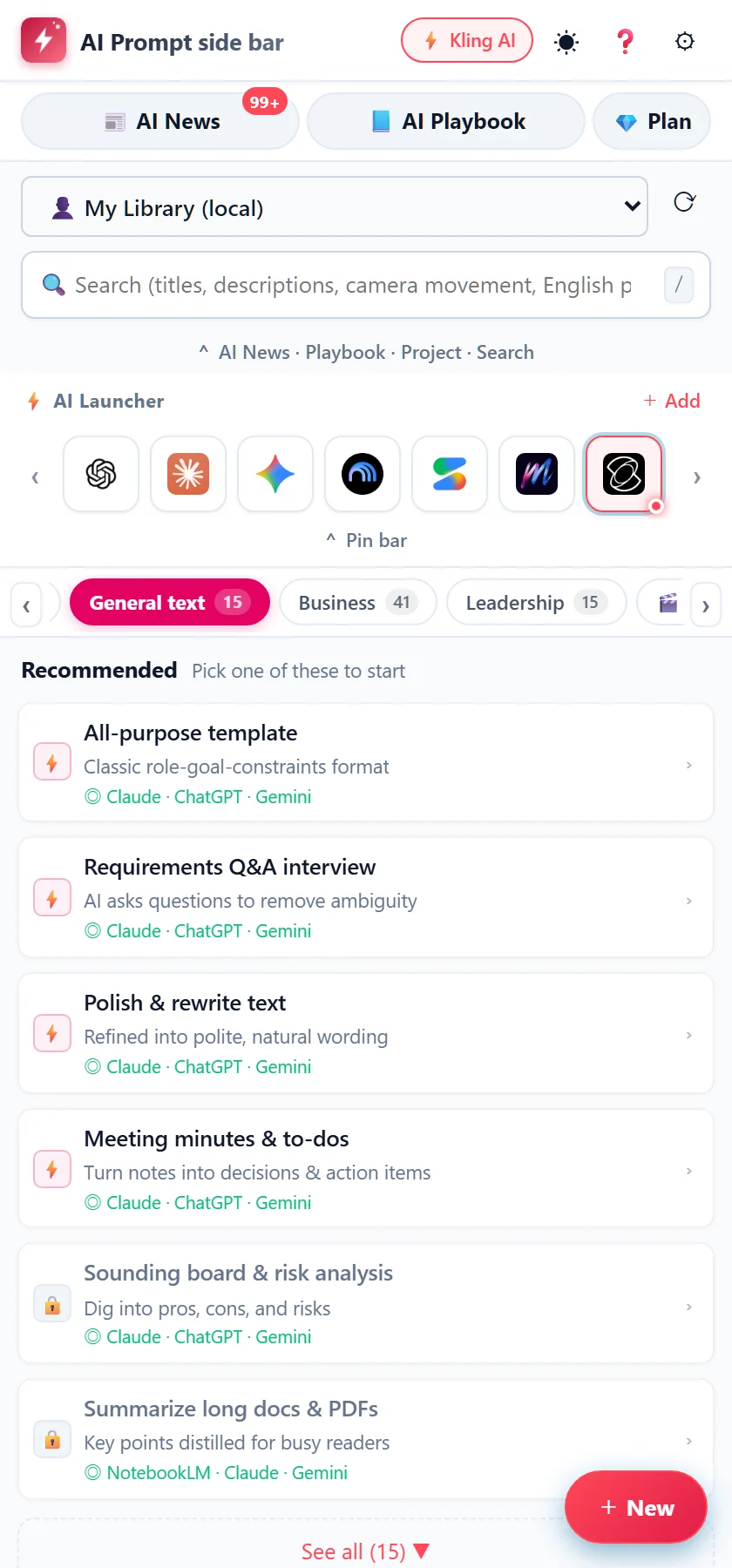
Choose a prompt from a purpose-based list.
Daily life, writing, business, video, development, images and more. Find them by tab. Start with "Recommended" and never wonder what to use.
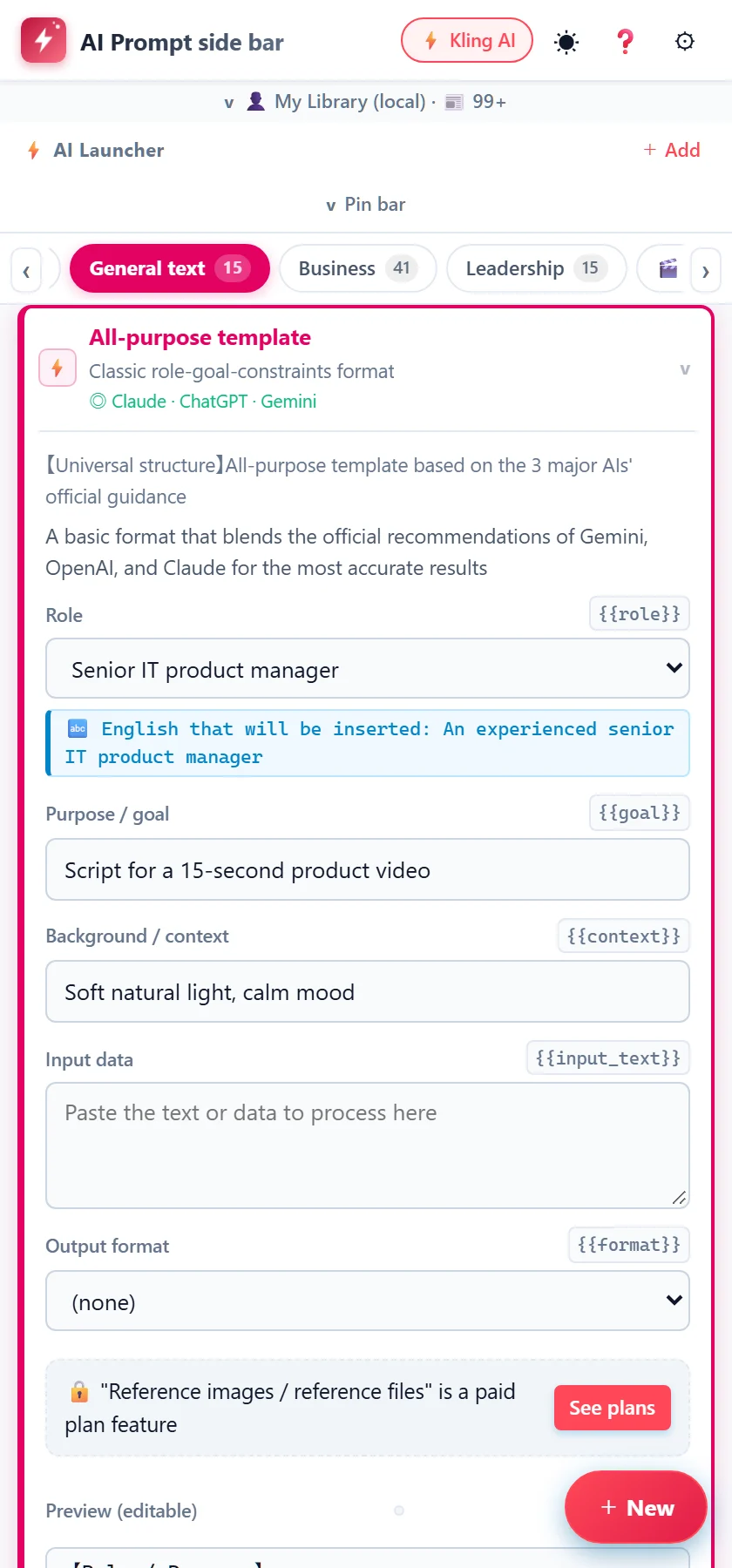
Choose options, fill the blanks, done.
Role, goal, background and more: choose or type. Check the result in the preview, and edit it freely.
One click into the AI's input box.
Press and it goes straight into the AI page you have open. You can copy it too, to use anywhere else.
Features
200+
Daily life, writing, business, management, video pre-production, development, web and apps, assets and design, image generation, video generation (from images, text or video), editing and more. More are on the way.
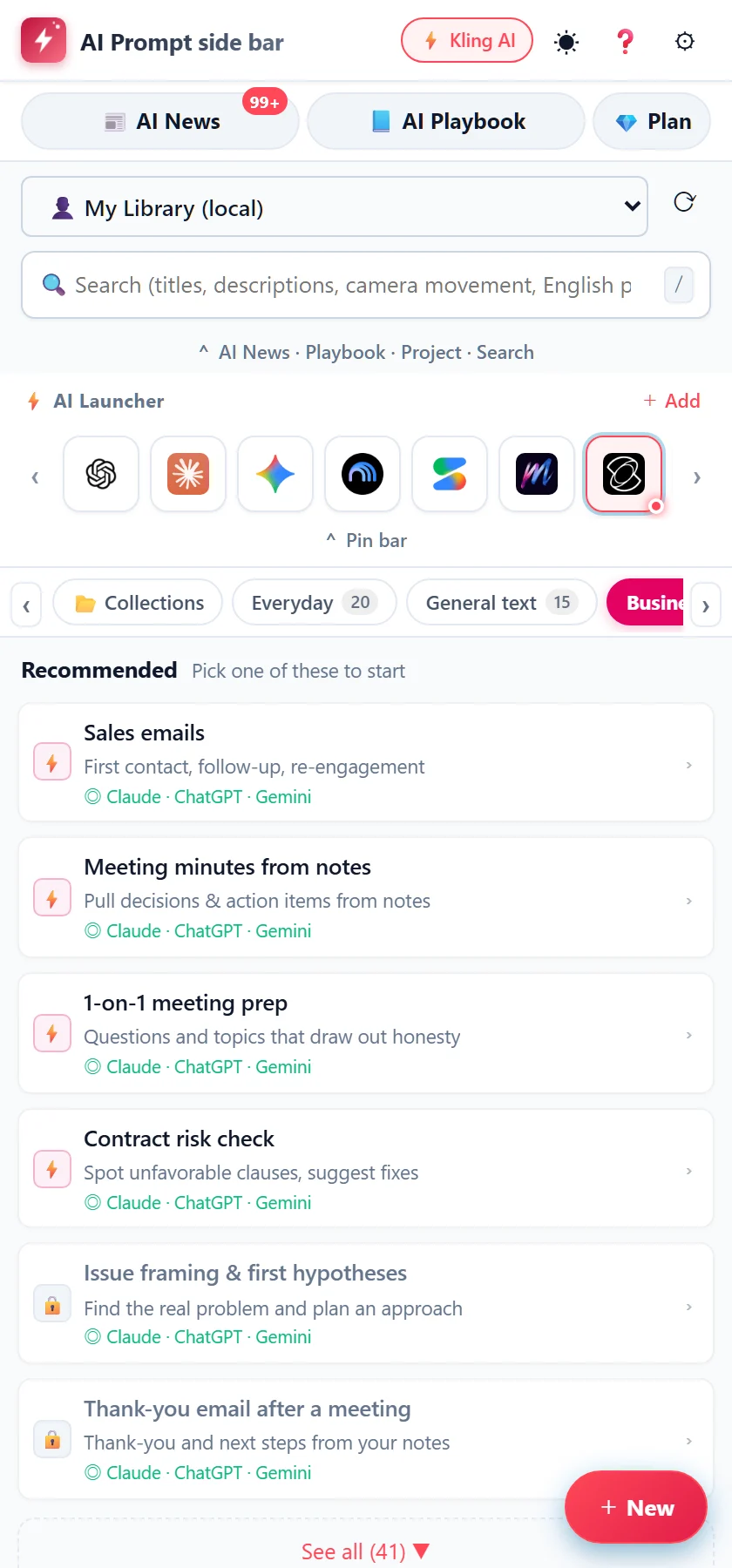
22AIs
ChatGPT, Claude, Gemini, Kling, Runway… One tap opens them.
One shortcut opens the side panel and your AI at the same time.
Rate with ★, sort by most used, search to bring them back. The more you use it, the better it fits.
日本語, English, 繁體中文, 한국어, Español, Português, Français.
Even in the free plan
4 recommended commands per tab, the latest AI news, the "AI Playbook", plus Insert, Copy, search and ★ ratings. No sign-in needed.
Paid plans
Privacy
We cannot read your prompts, notes, inputs, reference images or files. It's built that way.
No sign-in. Nothing is sent.
We record only your email address and your payment status.
Your data is encrypted on your computer. The key lives in your own Google Drive.
No analytics. No usage tracking.
Pricing
No card required. After that, the free plan is yours to keep.
$0
Free forever
$3.49/month
Cancel any time
$30/year
Just $2.50 a month. $11.88 less than monthly
Choose yearly during your trial,
and year one is $15.Then $30 a year
Prices exclude tax. Japanese consumption tax (10%) is added for customers in Japan. You can switch from monthly to yearly later. If you cancel, you keep every feature until the end of the period you paid for. Within 14 days of your first payment you can get a full refund (Refunds and Cancellation).
No. It's a helper for using other AIs, such as ChatGPT, Claude and Gemini. It helps you pick a prompt, adjust it, and put it into the input box of the AI you already use.
The free plan keeps 4 recommended commands per tab, AI News, the "AI Playbook", and Insert, Copy, search and ★ ratings, for as long as you like. No sign-in is needed. For the first 14 days, every feature is open to you.
No. Sign in with your Google account and every feature is yours for 14 days.
No. We cannot read your prompts, notes, inputs, reference images or files. If you turn on sync, your data is encrypted on your computer first. See the Privacy Policy for details.
Up to 4 per account. You can remove computers you no longer use from the panel, and a computer you haven't used for 60 days is removed automatically.
You can cancel any time and keep every feature until the end of the period you paid for. Within 14 days of your first payment you can get a full refund. See Refunds and Cancellation.
Google Chrome. It uses Chrome's side panel, so please use the desktop version of Chrome.